
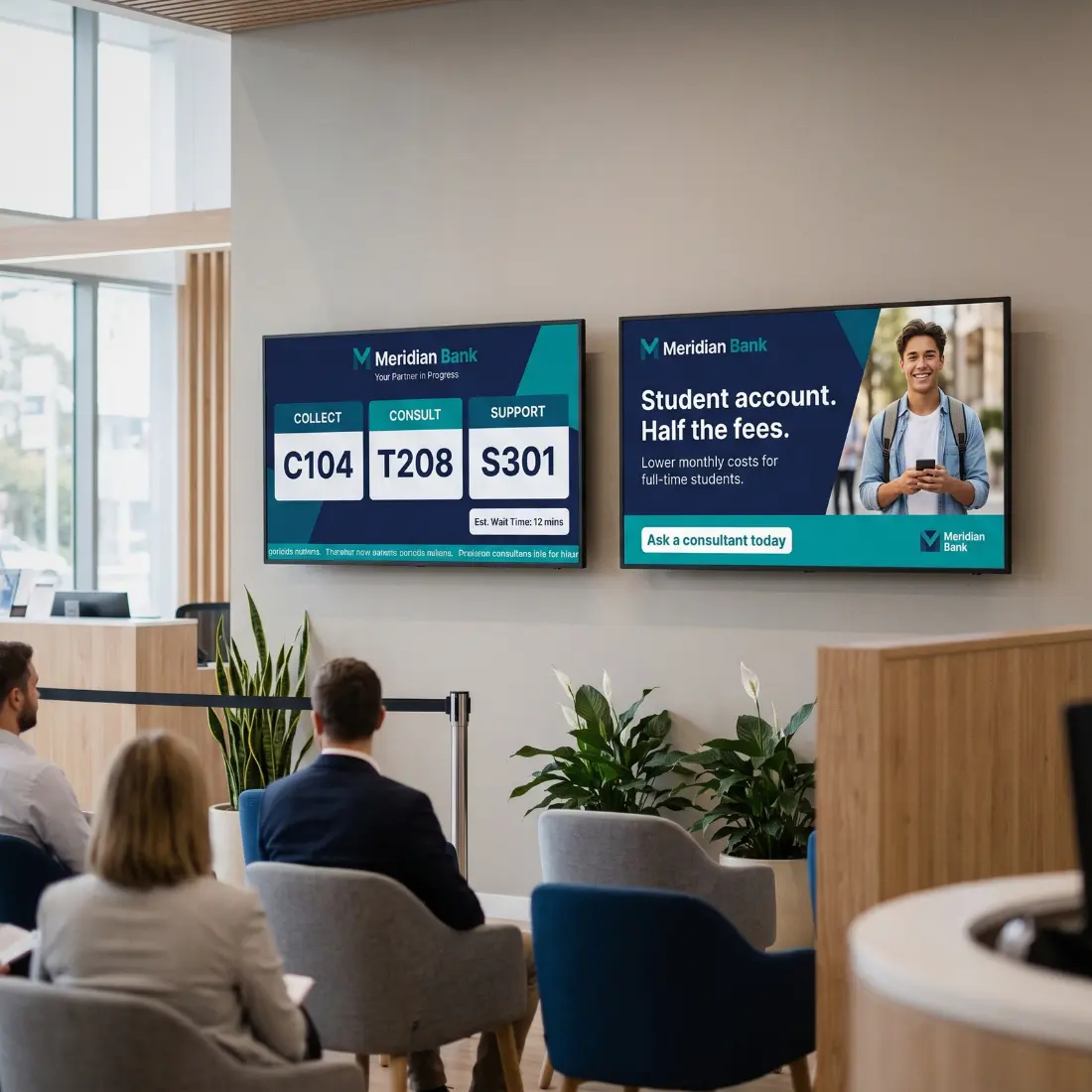
Advanced queue management
Streamline service and boost customer satisfaction with qman.
qman is a comprehensive queue management solution. Developed for organisations that require advanced control, multi-service environments, and detailed operational insight.
Our solution reduces wait times, optimises staff workflows, and integrates effortlessly with existing systems.
the customer journey
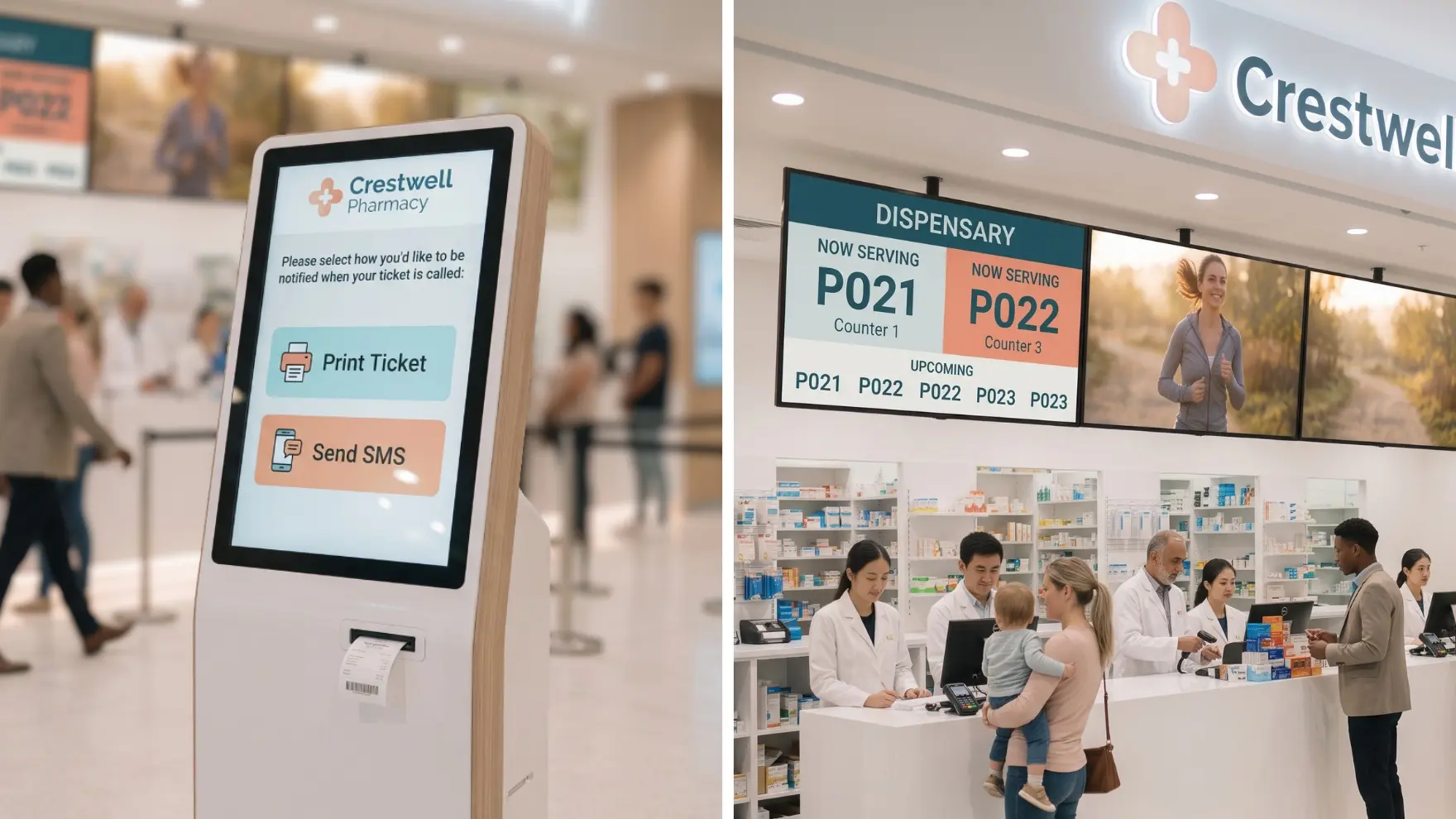
Use Case: Streamlined Pharmacy Queues
How It Works
qman turns pharmacy waiting into a smooth, branded journey.
Customers choose a printed ticket or SMS alert at the kiosk, then track their number on the call screen.
Optional digital signage fills the wait with specials, product updates and useful information.
Manage screens and content centrally across multiple locations, so every branch looks and feels the same.
The Best queue management solution
Advanced queue management for businesses.
Guided Customer Journeys
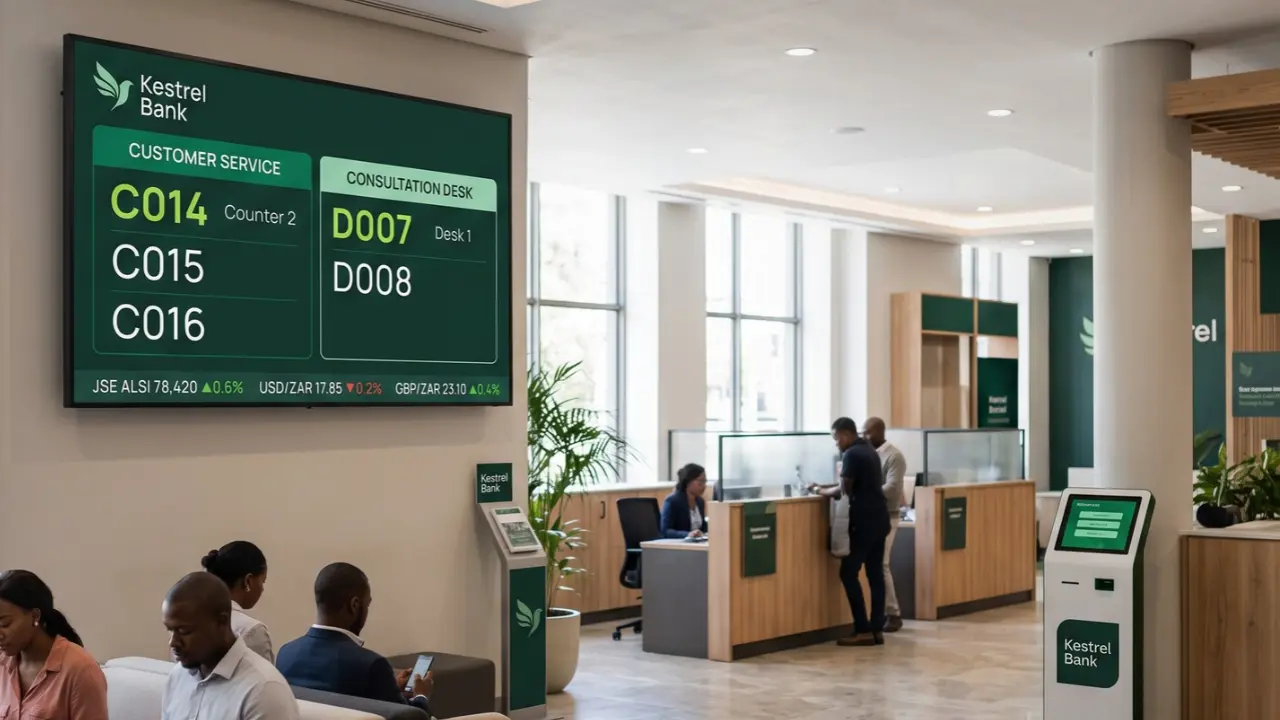
A user-friendly interface, clear notifications and digital guidance help customers move through your service centre with ease.
Optimised Resource Allocation
Real-time queue insights let managers adjust staffing to demand, cutting wait times and keeping operations efficient.
Data-Driven Insights
Detailed reports on consultant performance, service times and workflow efficiency help you improve service quality.
Targeted Customer Engagement
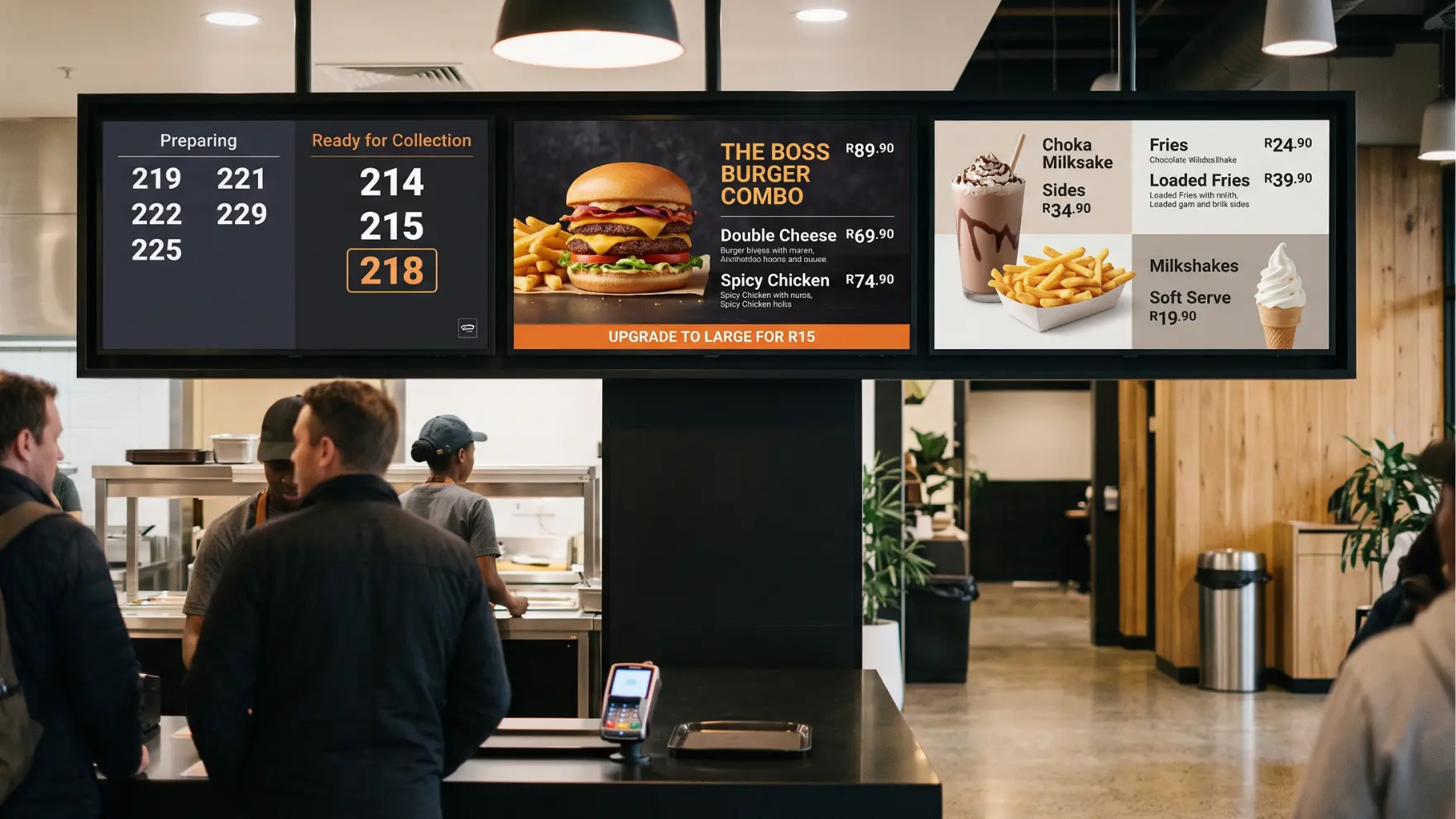
Share news, product updates and entertainment while customers wait. Tailor content by demographic and manage it centrally.
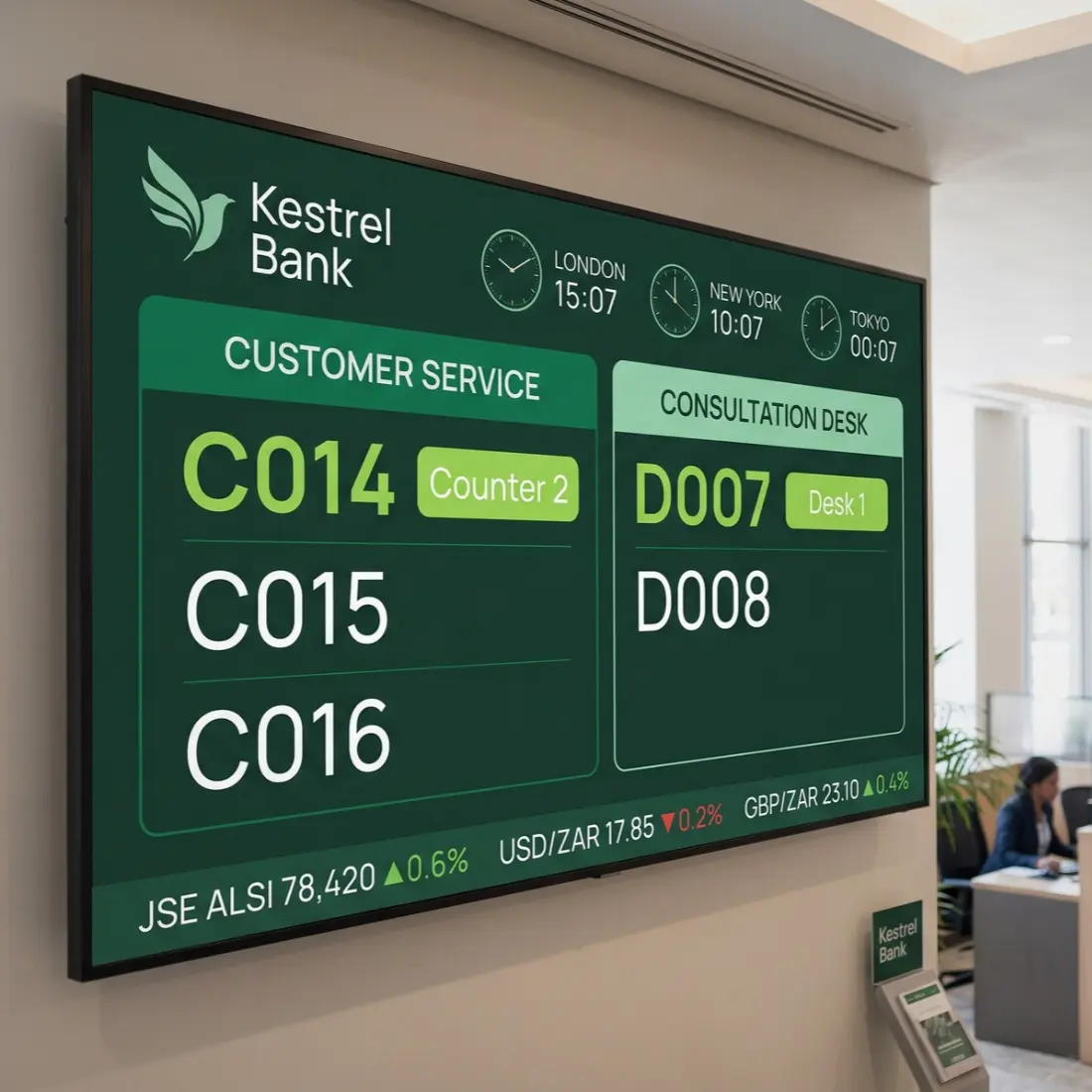
tailored call screens
Customise call screens & add dynamic widgets.
With XID, your qman displays become more than just call screens. Easily customise your digital displays to reflect your brand identity.
Choose from over 100 Smart Objects, including clocks, weather widgets, price tags and order boards.
Connect straight to live data, so your screens update themselves with zero extra effort. Dynamic content delivers an immersive, engaging experience for customers while they queue.
User-friendly reports
Centralised dashboards & live reporting stats.
qman’s intuitive dashboards need minimal staff training. See service area statistics, customer movements and wait times at a glance.
Spot peak hours, bottlenecks and service trends over time. Use these insights to plan staffing, set realistic service targets and back decisions with real data.
Track consultant performance and consultation details, and collect customer feedback after every visit. Measure what’s working and keep improving the customer experience.

Create a seamless queueing experience across locations with qman.
qman helps service centres manage queues, engage customers while they wait, and optimise resource allocation.

Does your business only have one service desk and location? You need qman Lite.
Frequently Asked Questions
What is qman from Datapost?
qman is a comprehensive queue management solution. Developed for organisations that require advanced control, multi-service environments, and detailed operational insight.
It reduces waiting times and organises customer flow across multiple service desks and locations. qman guides customers with clear notifications, and gives managers live queue statistics.
How does qman inform customers on their ticket status?
Can qman integrate with existing BI (business intelligence) systems?
What reports does qman provide to managers?
Can customers join a queue remotely or book an appointment?
Yes. qman supports virtual queueing, so customers can join a queue without being on site, and it offers online appointment management through its integration with Datapost digital signage and kiosks.
What's the difference between qman and qman Lite?
qman Lite is for a single service desk at a single location. qman (Pro) handles multiple service areas with sub-services, centralised deployment, consultant and staff management, fully customisable kiosk graphics and full staff functionality, including manager monitoring.
What hardware do I need for qman?
Staff can use qman in a web browser, as a desktop widget or through an Android app.