
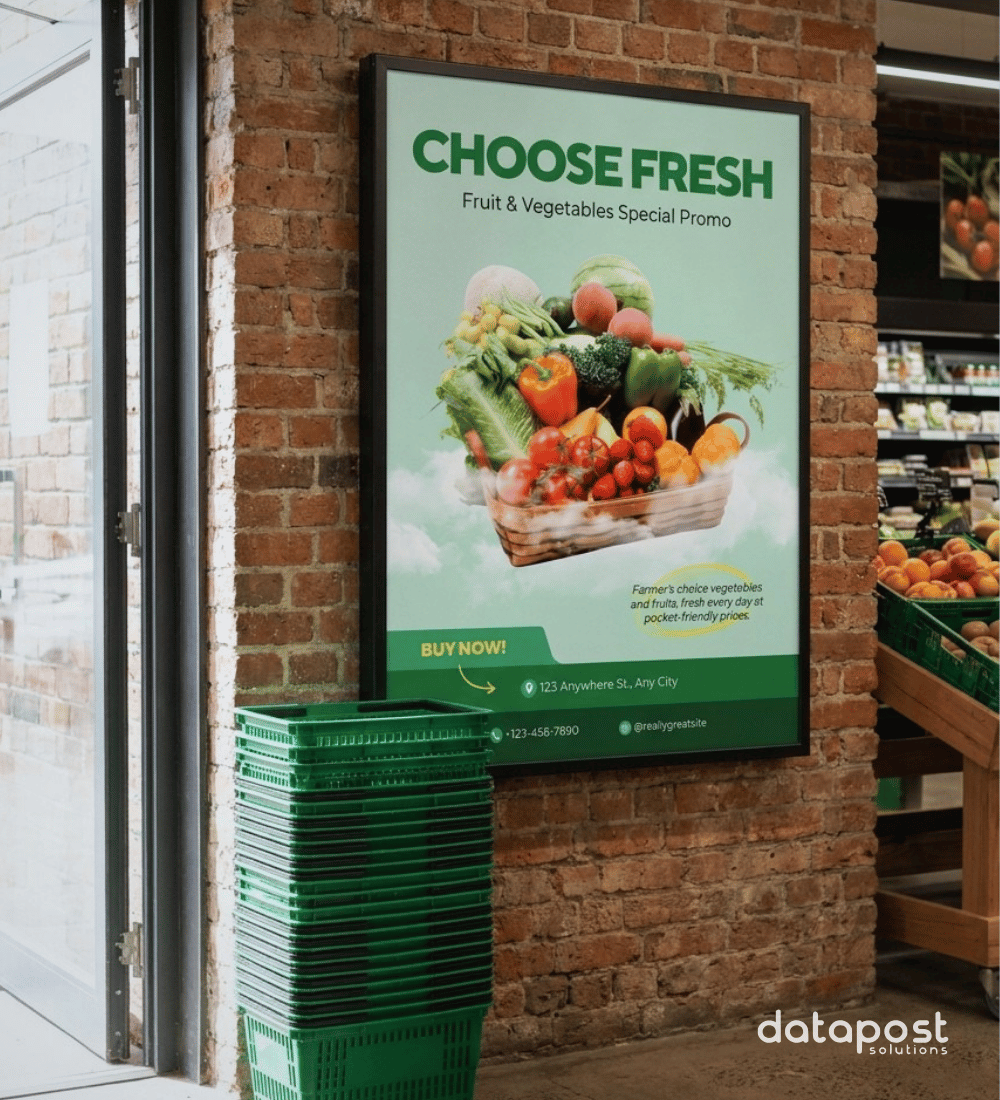
E-Paper: looks like print, updates like digital.
Print media requires constant attention: design it, print it, distribute it, install it. Then, the moment your promotion, pricing, or branding changes, start the whole cycle over again. E-paper offers an efficient solution: a low-power display with the flexibility of on-demand updates.
E-paper signage isn't competing with LCD or LED screens. Video, animation, and content built to move still need powered digital signage. E-paper replaces the poster and everything it takes to keep it current. This piece covers what e-paper actually is, including colour, what it's good at, and where it isn't the right tool. Used well, it's one part of a signage network, not a replacement for all of it.
What Is E-Paper Signage?
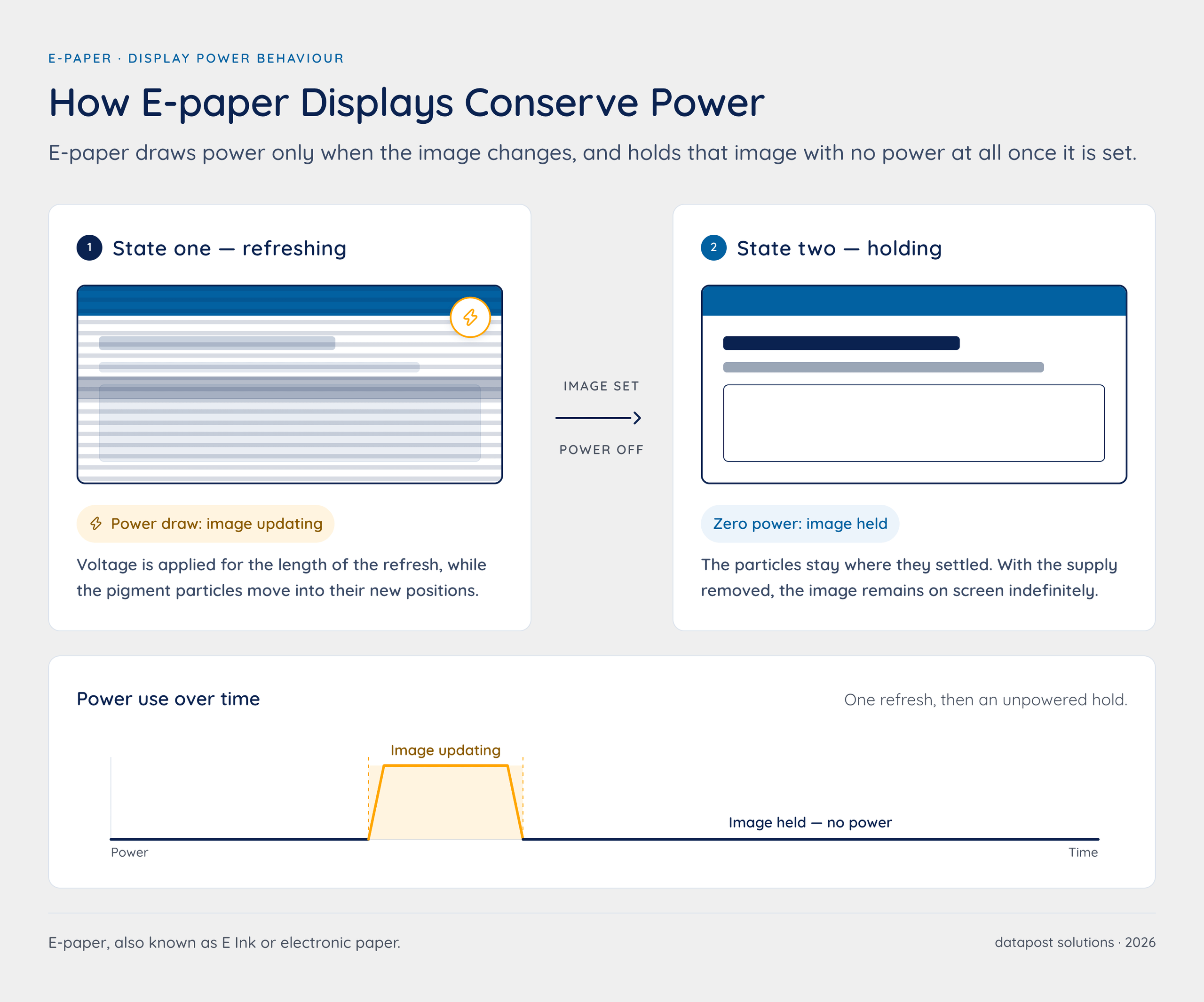
Technically, e-paper displays use tiny charged particles suspended in a thin film. An electrical charge moves the particles to form an image. Once formed, the image needs no further power to stay visible, similar to ink on a printed page. The result is a hybrid of print and digital. LCD and LED displays work differently: they need continuous power to keep any image on screen, even a static one.
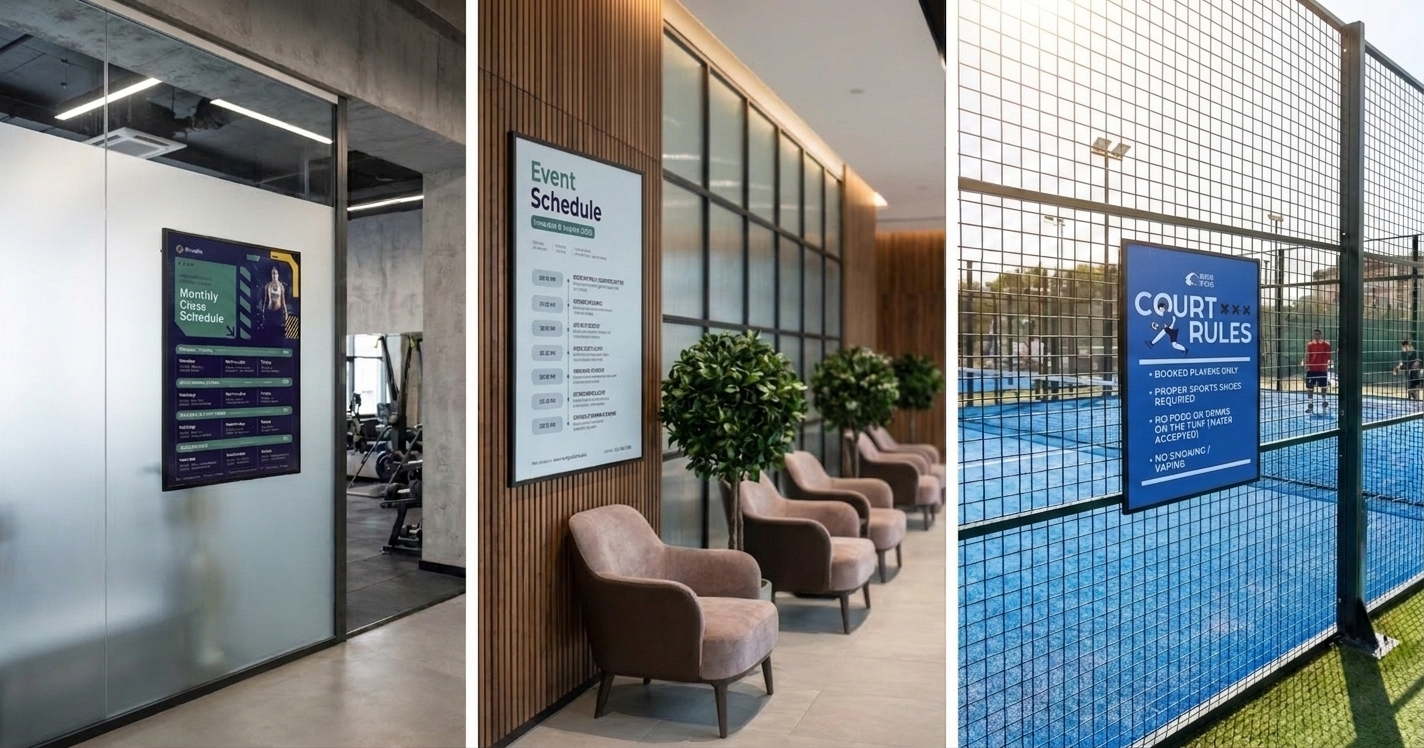
E-paper (also known as E Ink or Electronic Paper Display) only draws power when the image changes. Once set, it holds that image with no power at all. E-paper has the readability and paper-like appearance of a poster, with the flexibility of remote, on-demand updates. Publishing network wide content changes eliminate the need for a physical print, distribution and installation cycle for each content change.
E-paper's greatest advantage comes from its ability to display static content with extremely low energy consumption. While newer e-paper display technologies can support faster refresh rates, partial updates and even dynamic content, they still aren't the natural choice when the primary objective is continuous high-motion content.
It fits everywhere the poster cycle has been running quietly in the background: shelf edges, way-finding panels, remote branches, and outdoor locations without easy access to mains power. For applications built around video, rapid transitions or continuously changing imagery, LCD and LED remain the more established choice. E-paper is strongest when the message needs to change occasionally, rather than constantly.
7 Benefits of E-Paper Signage for Businesses
1) Power savings, including against lit posters
Comparing e-paper to a plain sheet of paper misses half the picture. Most posters in commercial spaces aren't unlit. They sit in a lightbox or backlit frame that draws power continuously, whether the content changes or not. For many sites, the real comparison isn't screen versus paper. It's a screen versus a lit box. E-paper only draws power while updating, and holds the image with no power once set. That's a substantial saving against both a full-colour LED screen and an always-on lightbox.
2) Faster, more frequent content changes
A printed poster is usually only worth changing when the update justifies the cost of a full print cycle, often once a month or less. E-paper updates remotely, with no print run required. Content can turn over as often as the business needs: weekly promotions, daily specials, same-day price corrections, all without new artwork or a print job.
3) Better control over delivery
Print depends on the right file reaching the right printer, the right quantity reaching the right site, and the right person completing the install. Each step is a point where something can go wrong or be delayed. E-paper content is pushed from the same central platform used across the rest of a signage network. One change reaches every screen at the same time, with no distribution chain in between.
4) Placement flexibility and lower maintenance
Cable-free, battery-powered displays can go where a powered LCD or LED screen cannot: high shelving, glass frontage, outdoor signage, or sites where new electrical infrastructure isn't cost-effective. Fewer cables and lower power draw also mean fewer points of failure, which cuts down on site visits needed to keep a display running.
5) Environmentally friendlier, end-to-end
Cutting out the poster cycle reduces signage's environmental footprint at several points, not just one:
- Power: no lightbox running continuously, and far lower draw than a powered screen
- Distribution: no courier or vehicle trips to get new prints to site
- Print and ink: no consumables used with each content change
- Paper waste: no discarded posters every time a promotion or price changes
6) Lower cost of ownership
Removing the print cycle also removes its recurring costs: fuel and courier spend to get posters to site, and the staff time spent designing, ordering, distributing, and installing them. Those costs repeat every time a poster changes. E-paper content changes without them.
7) Readability in bright conditions
The reflective, paper-like display doesn't wash out in direct light the way an LCD screen can. That makes e-paper well suited to window displays, outdoor signage, and other high-glare locations.
How Can E-Paper Be Used Across Different Industries?
It is important to note that e-paper complements, rather than replaces, digital signage across industries. We've highlighted 8 industry examples where e-paper would be a good fit.

1) Retail
Shelf-edge labels, price tags, and small promotional panels are natural fits for e-paper in retail stores. Running power to every fixture isn't practical, but content still needs to update centrally for pricing or promotions. This complements broader in-store digital signage and, where footfall or engagement data is available, existing content-scheduling workflows.
2) Grocery Stores
Grocery is where electronic shelf labels (ESL) have the clearest case: thousands of price points across a single store, updated multiple times a week for promotions, markdowns, or supplier price changes. Manually reprinting and replacing that many labels is slow and error-prone. E-paper labels update from the same central system used for the rest of the store's pricing and promotional content. A price change made once is reflected on every shelf edge automatically, without a staff member walking the aisles.
3) Quick Service Restaurants (QSR)
In QSR environments, e-paper suits secondary displays like outdoor menu panels, drive-through directional signage, or back-of-house information boards. These are places where a powered screen would add unnecessary cabling and running costs for content that doesn't need constant animation.
4) Hospitality
Hotels and guest-facing venues have signage needs spread across hundreds of individual points: every guest room door, every meeting or event space, every corridor junction. E-paper fits this pattern well. Room-service and do-not-disturb indicators, meeting room schedules outside conference spaces, and directional signage can all run on battery power with no cabling to install or maintain at each door.
5) Financial Services
Branches often need consistent, easily updated signage across many locations, including smaller or satellite branches where installing conventional powered displays is harder to justify. E-paper panels can carry rate boards, wayfinding, or compliance notices, updated remotely alongside a branch's other digital signage. Learn more about our digital solutions for financial service providers here.
6) Healthcare
Hospitals and clinics need signage that is easy to keep clean, reliable, and simple to update without disrupting a clinical environment. E-paper suits displaying staff information, wayfinding, schedules and other operational communications where low-power, easily updated displays are valuable. Because the e-paper display holds its image without continuous power, it also performs well in areas where equipment needs battery backup for reliability.
7) Corporate Offices
Meeting room door signage, desk booking indicators, and directory boards are common e-paper use cases in corporate environments, where low power draw and cable-free installation make it possible to deploy signage at every door or desk without an electrician on-site for each unit.
8) Airports and Transit Hubs
Terminals and transit hubs combine two challenges e-paper is well suited to: large physical distances between display points, and content that changes on a schedule rather than continuously. Airports can deploy gate information, wayfinding, platform indicators, and schedule boards across a terminal without running new power infrastructure to every point, and update them centrally when schedules change rather than screen by screen.
E-paper VS LED Screens:
E-paper isn't trying to replace LCD or LED screens, and it isn't reinventing what a screen is for. It's replacing what a poster used to be. E-paper earns its low power draw by giving something up: speed. The display only updates when it needs to, and each update takes noticeably longer than an LCD or LED screen redrawing a frame.
That trade-off works well for content that changes occasionally and needs to stay put, like a price, a schedule, or a wayfinding label. It's the wrong choice for anything that needs to move, transition quickly, or hold attention through motion:
What e-paper isn't made for:
- Video, animation, or any content designed to catch the eye through movement
- Digital menu boards or promotional screens where the appeal is dynamic, eye-level content
- Anything updated continuously or in real time, such as queue tickers, live counters, or sports scores
This is why many of the e-paper use cases covered above are secondary or supporting displays, such as shelf labels, door signage, way-finding, and schedule boards, rather than primary promotional screens. In a mixed signage network, e-paper and powered digital signage do different jobs. E-paper handles the many low-change, hard-to-reach points. LCD and LED handle the few high-impact, frequently updated ones.
What to Expect Day to Day from E-Paper Displays:
1. What is e-paper's refresh speed?
E-paper's greatest advantage comes from its ability to display static content with extremely low energy consumption. While newer e-paper technologies can support faster refresh rates, partial updates and even dynamic content, they still aren't the natural choice when the primary objective is continuous high-motion content.
2. How long is the battery life for e-paper?
Because power is only drawn during an update, battery life depends on how often the display changes, not how long it's switched on. A shelf label updated a few times a week will run far longer between battery changes than a display updated hourly. This is also why e-paper suits "install and mostly forget" locations. The less often content needs to change, the less maintenance the device needs.
3. How durable is e-paper for outdoor placement?
The reflective display doesn't rely on a backlight. That's why it holds up in direct sunlight where LCD screens wash out. It's a genuine advantage for outdoor or window-facing signage.
Datapost's E-Paper Integration: Extending ACE Support
Bringing e-paper into a signage network usually means solving a conversion problem: content built for LCD or LED screens isn't automatically compatible with E Ink hardware, and most E Ink devices run on separate management systems. Datapost closes that gap at the platform level.
In July 2026, we added ACE-enabled support for Agile Display Solutions' ePaper displays through the Agile Conversion Engine (ACE), which keeps schedules and assets in sync, converts content for e-paper hardware, and manages delivery to the device.
E-paper becomes another device type inside the platform our customers already use, alongside LCD, LED, kiosk, and queue management touchpoints. For the full announcement, including comment from Agile Display Solutions, see our press release on the ACE integration.
From Poster to Platform
E-paper isn't a replacement for the rest of a signage network, and it was never meant to be. LCD and LED screens still do what they do best: video, animation, and content built to catch attention through movement. What e-paper replaces is the process behind every static poster. Design, approve, print, distribute, install, replace, repeat.
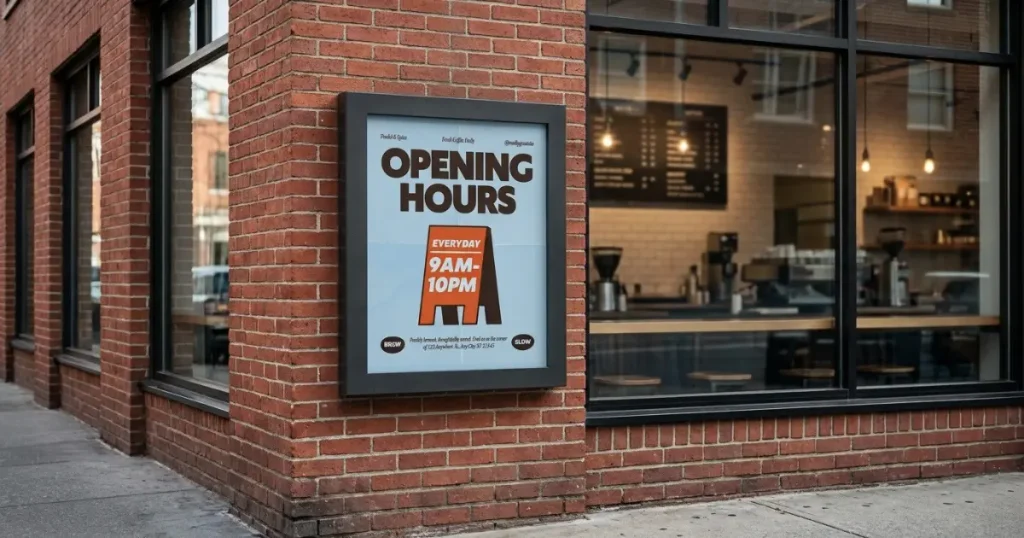
By supporting Agile Display Solutions' ePaper hardware through ACE, Datapost extends the same digital solutions approach that already covers digital signage, queue management, kiosks, and reporting. E-paper becomes a native option, not a separate product line.
For South African businesses already managing a Datapost network, e-paper means one thing: the ability to finally digitise the poster, cutting the print cycle out entirely, without touching the screens that are already doing their job well.
Interested in adding e-paper to your signage network? Contact Datapost to discuss where it fits into your business.