
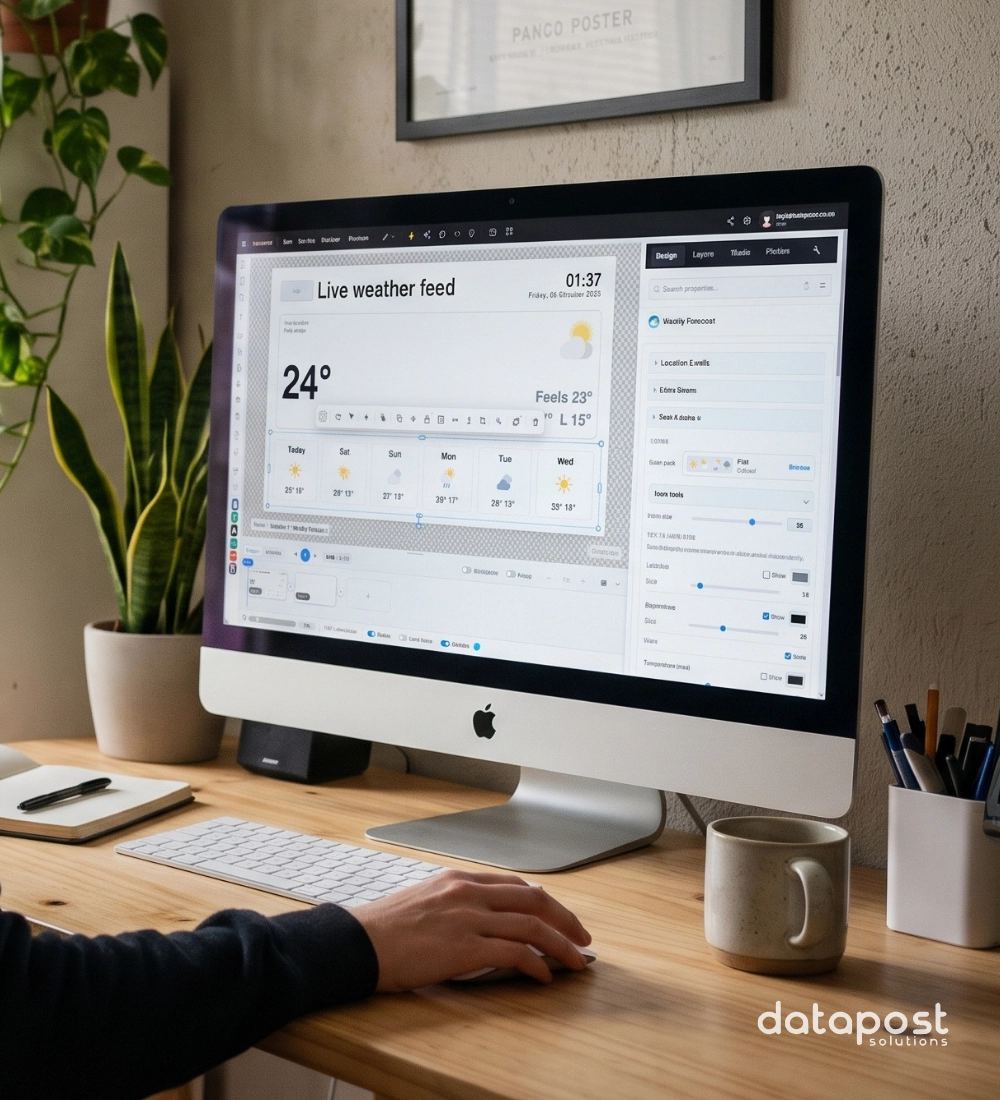
XID: A design tool that adapts as your business does.
Design tools are widely available. So what makes XID different? XID is a digital signage design tool built specifically for designing content for digital displays. Design, add dynamic content and publish to your screens, all in one place. Start with AI, then customise every detail with full control.
XID 5.0, released in October 2026, builds on the core offering of dynamic designing. It adds advanced design tools, supports any canvas size and offers extensive export formats. The goal stays the same: getting your brand’s content onto your screens quickly and reliably.
XID is developed alongside the people who use it. As their needs grow, the tool grows with them, while staying as easy to use as day one. Version 5.0 gives you more ways to reach your goal, whether that is a menu board, a touch-screen directory or an office dashboard.
This post gives you a first look at the six core capabilities in XID 5.0. Keep an eye out for upcoming posts, where we’ll unpack each one in more detail. New to XID? Our XID product page covers the basics of our application. For the full announcement, read the XID 5.0 press release.
6 Capabilities That Make Designing Displays Faster & Easier:
1) Professional Design, Made Simple
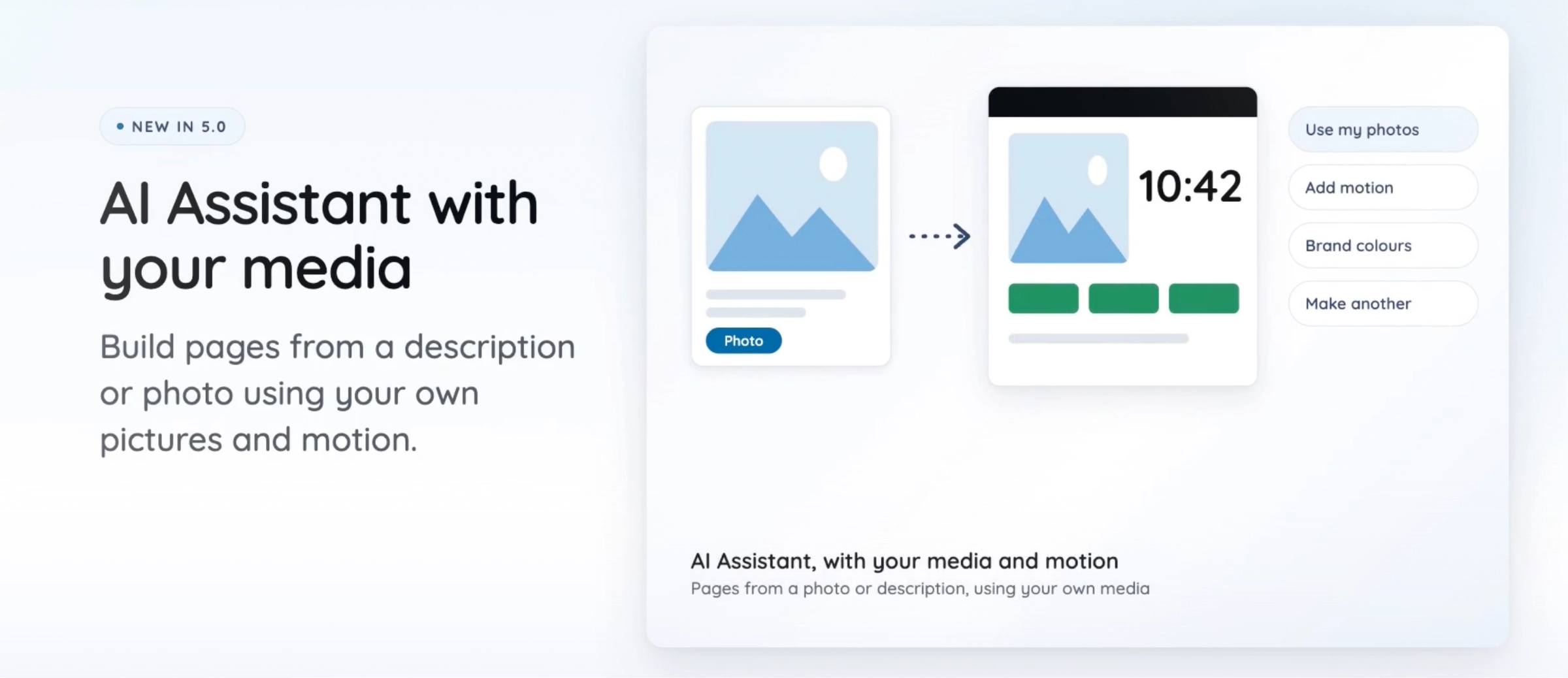
Every new tool in XID 5.0 is designed to save you a step. Everything you need to create dynamic designs is available with our digital signage design tools. XID differs from other design tools because, rather than relying completely on automated prompting, our users have full control over customisation and adjustments to AI-generated outputs. The editor itself is smoother too. Select any element and a context bar offers the next step, so first-time users move as quickly as experienced designers.
New features include AI-powered tools, custom brand kits, wayfinding, live co-design, 16 blend modes, over 100 customisable smart objects and more. Our prefabs feature allows users to save elements like logos, footers, or layouts for reuse across multiple projects. Prefabs let you save a logo, footer or layout and reuse it across projects. XID currently offers the AI tools free of charge with daily limits.
Example: You place a headline, a product photo and a price on a blank page. One click on Smart Layout arranges them into a clean design. Not quite right? Click again for a different version.
2) Content That Stays Accurate
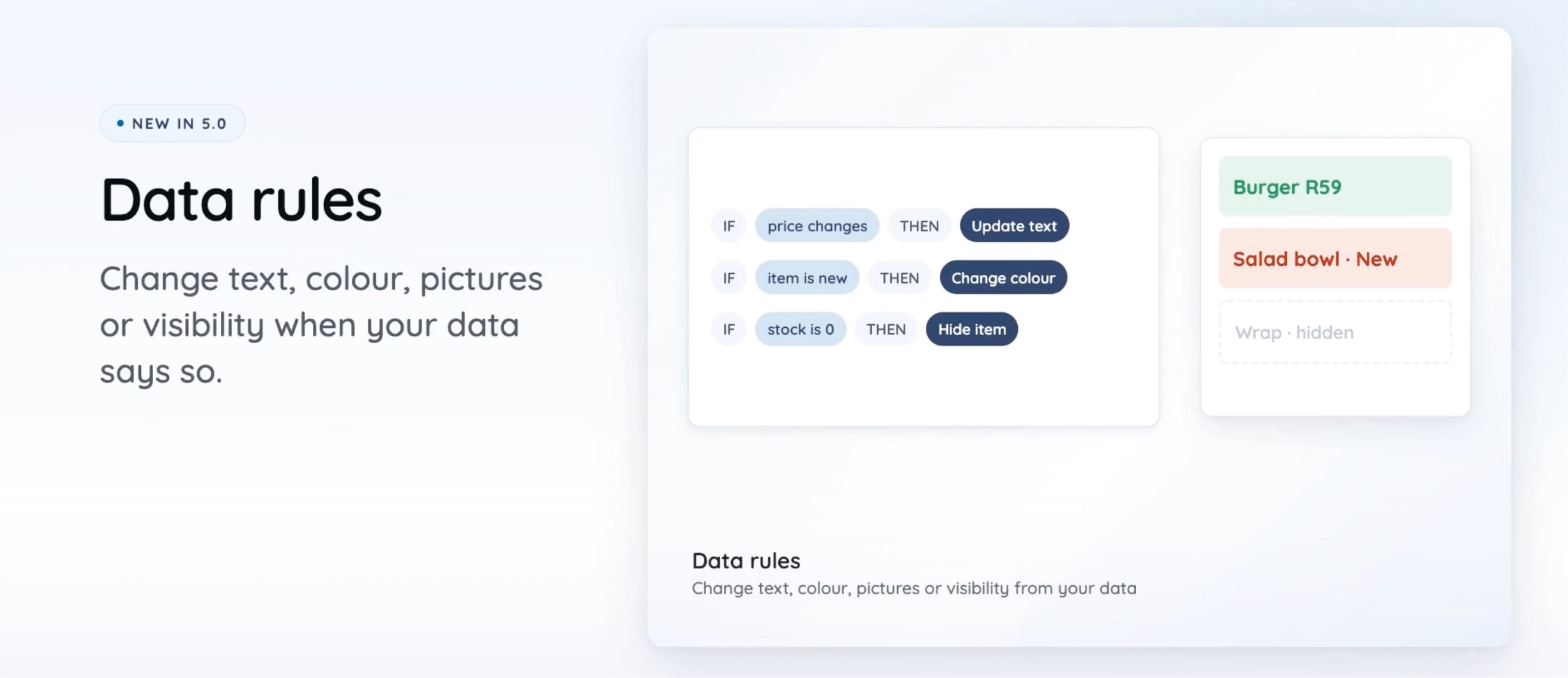
Few things hurt a screen faster than out-of-date information. XID 5.0 lets you connect your designs to the data behind them, so digital signage content stays correct.
Any text, image, table, ticker or chart can link to live data. Sources include Google Sheets, Microsoft Excel, calendars, web feeds, LinkedIn posts and the new XID Data Manager. Data rules can be configured at a granular level as to what happens when the data changes.
Example: A retailer keeps its price list in a Google Sheet. One rule says that when stock falls below five units, the price turns red. Staff update the sheet. The screen does the rest.
Smart page scheduling and location-based content show the right design at the right time and place. For maximum design efficiency, users can turn on our auto-save feature and customise how often each project saves.
3) Screens that Encourage Interactivity
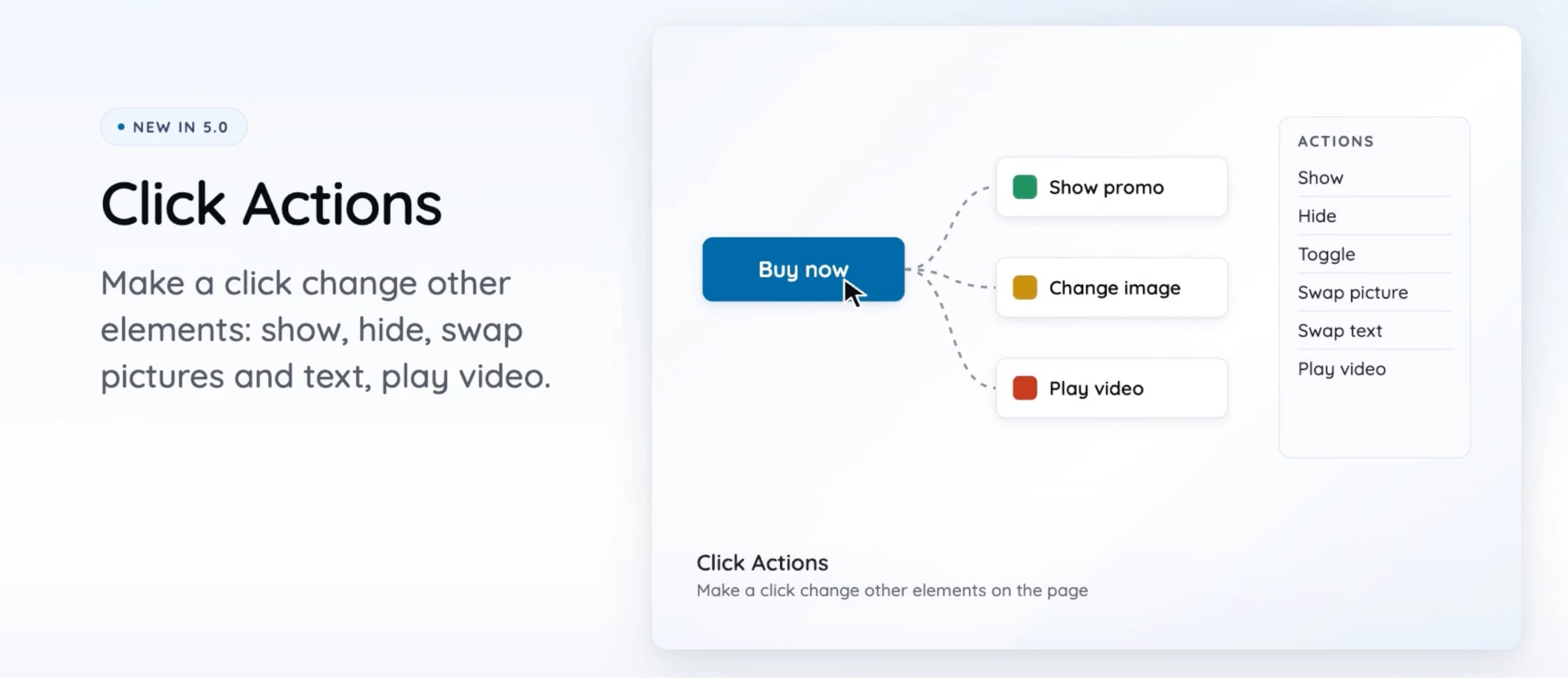
A screen people can interact with is a screen people remember. Click Actions let you build menus, tabs and product selectors without code. Fifteen branded games add a playful touch.
Interactive features work as digital activations and promotions that draw a crowd. Interactive digital signage turns a screen from something people glance at into something they use.
Interactivity Example: A shopping centre places a wayfinding map at its entrance. A visitor taps a store and sees the walking route. Then they scan a QR code and take the directions with them. No need to ask for directions.
4) Ready-Made Widgets and Infographics
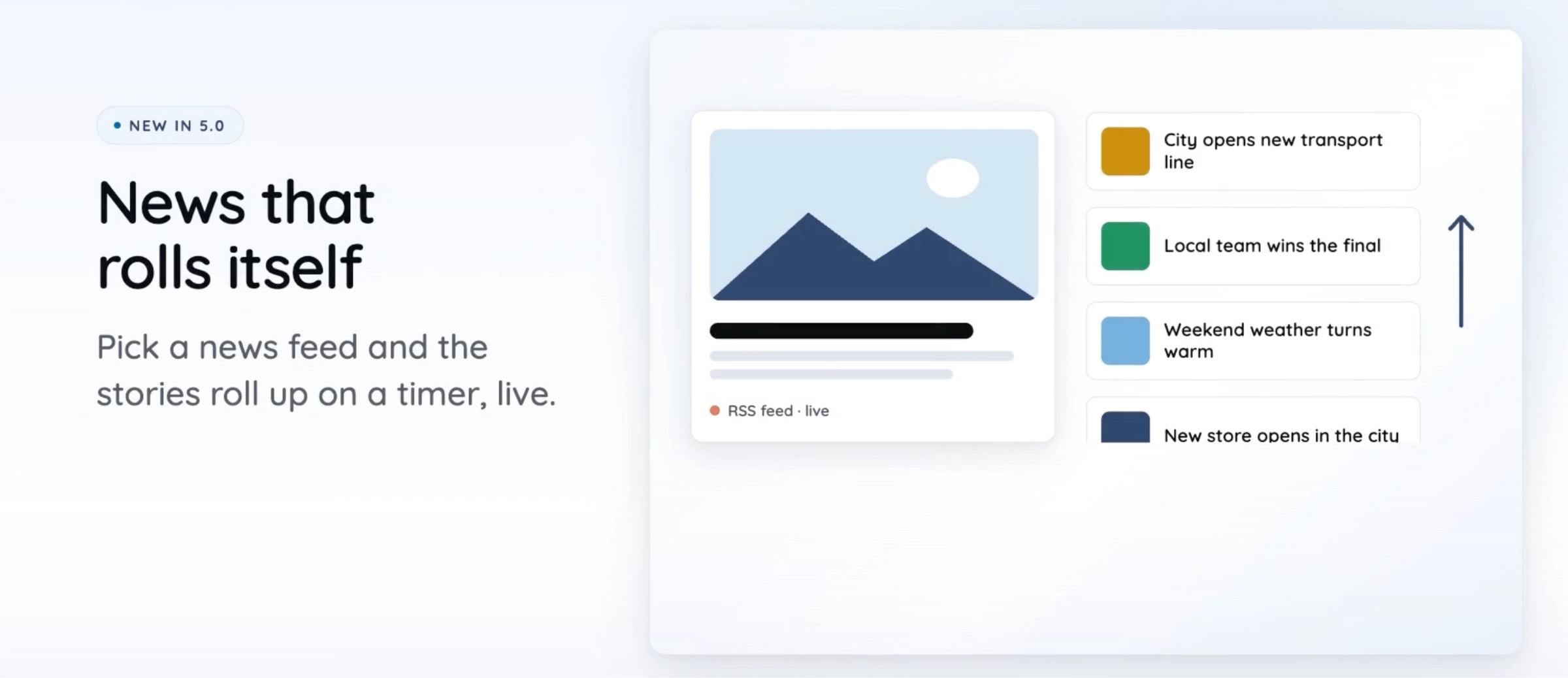
Why build from scratch when the building blocks are ready? XID 5.0 adds over 100 Smart Objects, including clocks down to the second, price tags, weather widgets and order boards for Qman (queue management). Various smart objects can connect straight to live data.
There are also 17 infographic types, including bar, line, pie, gauge and KPI charts. When adding data to an infographic, you can easily customise the visuals with pre-set colour palettes or add your preferred colours to the selected data rows.
Example: An office reception screen shows a KPI gauge for monthly sales. It is linked to a live spreadsheet, so the needle moves as the team closes deals. The data does the work.
5) Co-design & Collaborate on Projects
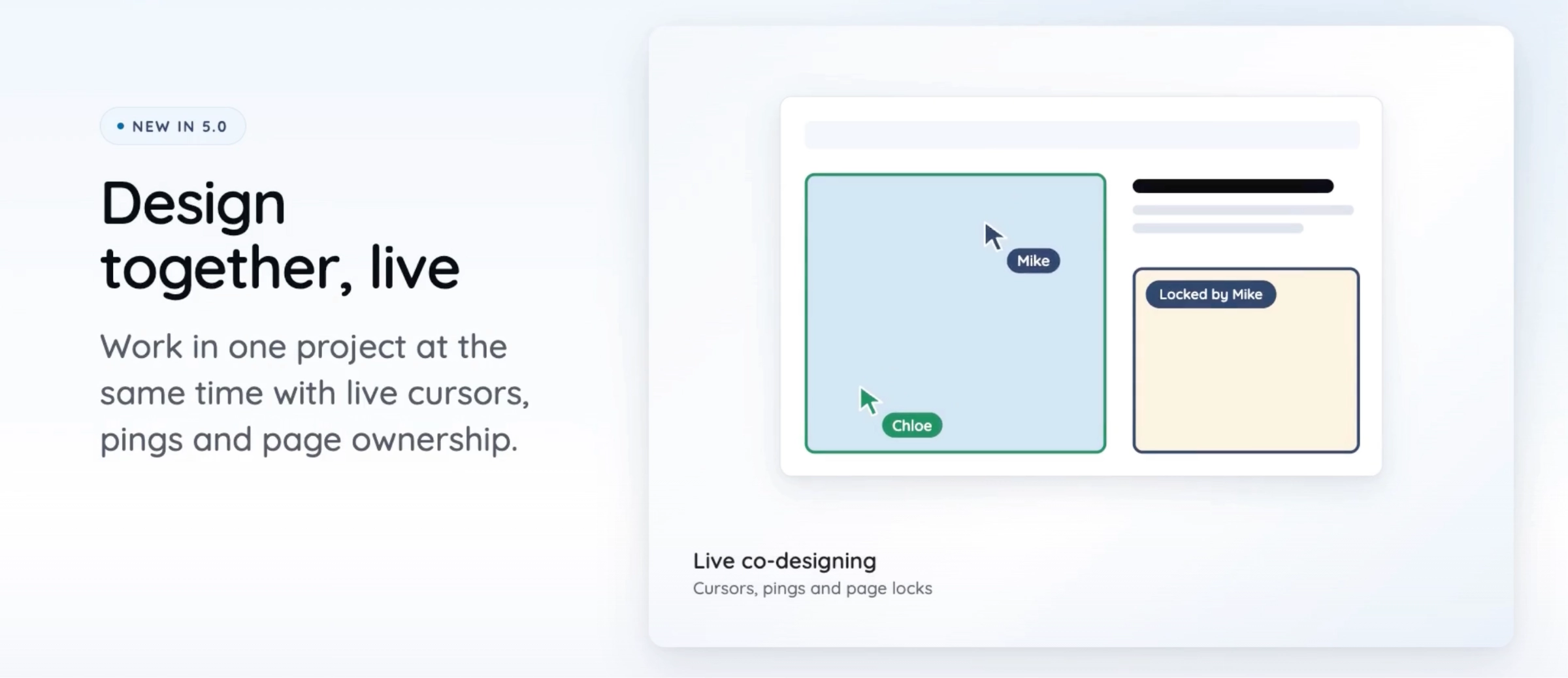
Great screens are rarely a one-person job. XID 5.0 lets everyone involved work at once.
Co-designers can each own a page in a shared project, with live cursors showing who is working where. Others can follow as spectators and request to edit. Preview without saving shows exactly what a screen will play before anything is published.
Example: Two designers build a quick service restaurant’s new menu project at once. One designs the burgers page while the other builds the drinks page. The brand manager follows along and flags changes in real time.
6) Automatic Screen Adjustments
Reliability has always been part of XID’s promise. Version 5.0 enables users to securely set up & manage screens within the application. XID keeps screens running and your work protected.
Players recover from failed videos and data feeds automatically, and a debug overlay flags issues on screen. Scheduled dimming, reloads and standby run themselves, while autosave backups and 2FA keep every project secure.
Example: A bank branch screen dims automatically after closing and switches to standby overnight. It reloads each morning before the doors open. Nobody needs to drive out to the branch.
Who Benefits from XID 5.0?
Whether you are comparing digital signage software or already use XID, these new benefits extend across departmental roles:
- Digital Marketers: Create no-code digital signage content and update campaigns from a spreadsheet. Schedule by time or location without waiting for a designer.
- Designers: AI tools, prefabs and live co-design sit in one editor. Need more control? Add custom code in the Script Editor.
- Screen and IT managers: Set dimming, standby and reloads remotely. Fewer blank screens mean fewer site visits.
A Digital Signage Design Tool That Keeps Up
XID’s purpose has not changed. It helps you create, customise and publish content to your screens with ease. XID 5.0 simply gives you more ways to do it, whatever your screens need to achieve.
XID is part of the Datapost digital signage platform, working alongside Qman, self-service kiosks and our Reporting Module. Ready to see it in action? Explore XID Interactive Design or contact us to get started.